 BetterSign™BetterSign™
Product · BetterSign Credential Vault · included in the app
Your saved logins live in the BetterSign app on your phone, not in your browser and not behind one master password. When a site asks for a password, your phone asks you. Check the site, confirm the code, and approve. A stolen laptop has no vault to steal.
The extension is a paired device holding only a signed pairing grant: authorization to ask, not secrets. Each fill is approved on the vault holder with number matching and a biometric, and sealed with HPKE (X25519 / AES-256-GCM) to a key that exists for one request only.
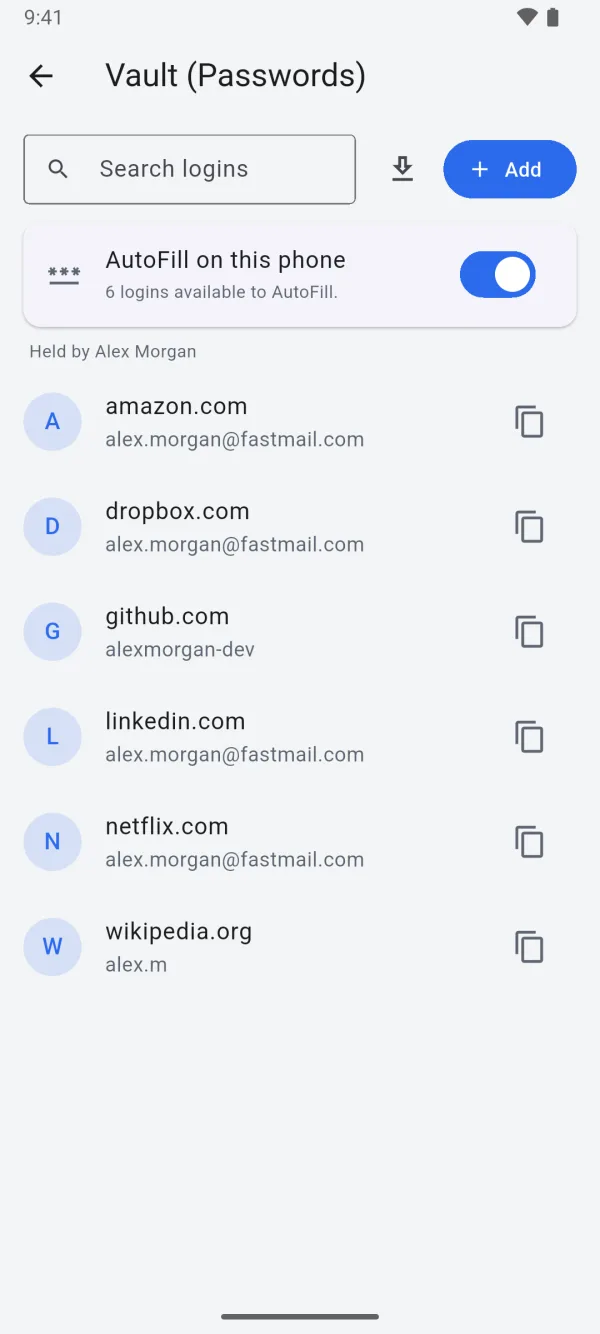
Your browser can only ask. Your phone decides.
BetterSign Credential Vault is part of the BetterSign app: AutoFill on iPhone and Android is in the app. The browser extension for Chrome, Edge, Brave and Firefox, with an Android phone holding the vault, is in the Chrome Web Store and on Firefox Add-ons.
How a fill works
Most of the web still asks for a password. BetterSign Credential Vault keeps them in the app on your phone, not in your browser and not behind one master password. Every fill is approved on a device you hold.
The vault is encrypted under a key wrapped by the phone’s secure hardware. A paired browser can only send a signed request, approved on the vault holder with number matching and a biometric. The response is sealed to a one-time key for that tab, so each fill has its own forward secrecy. The relay sees only ciphertext, a hashed recipient, and timing.
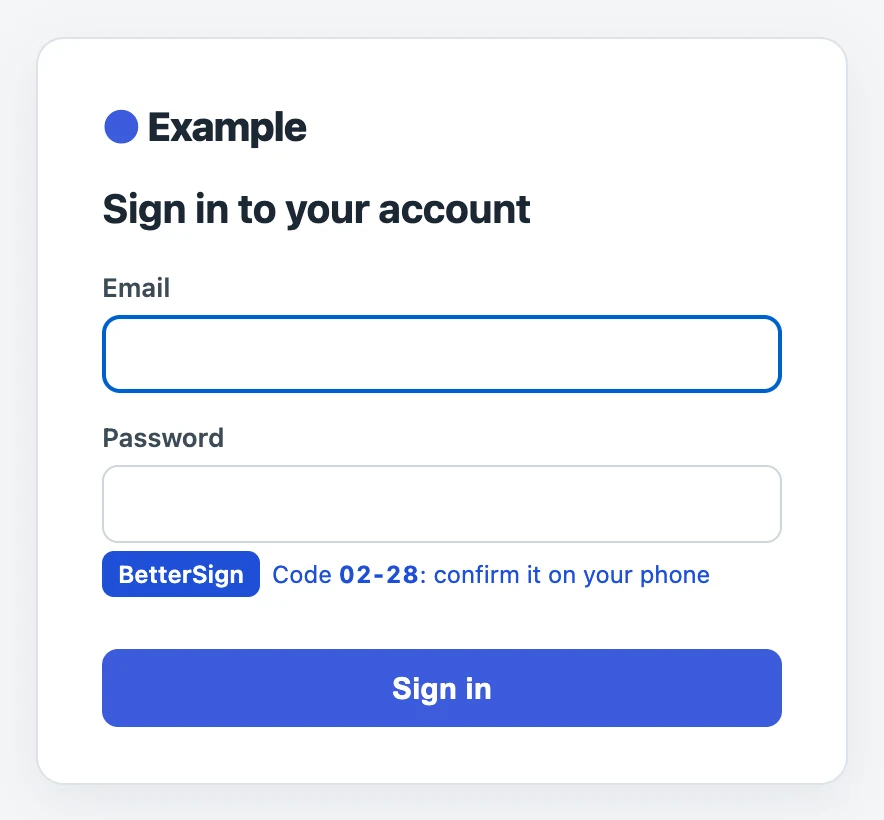
Click Sign in with BetterSign on any login form, or press ⌘⇧L.
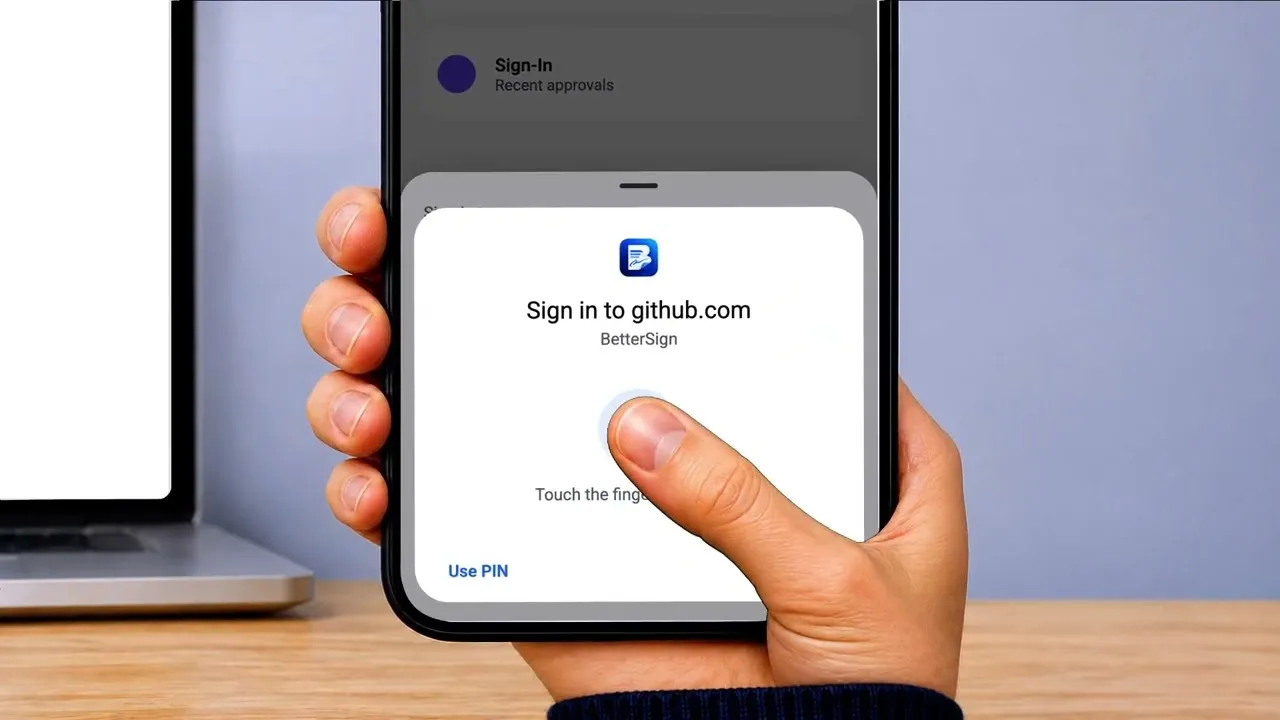
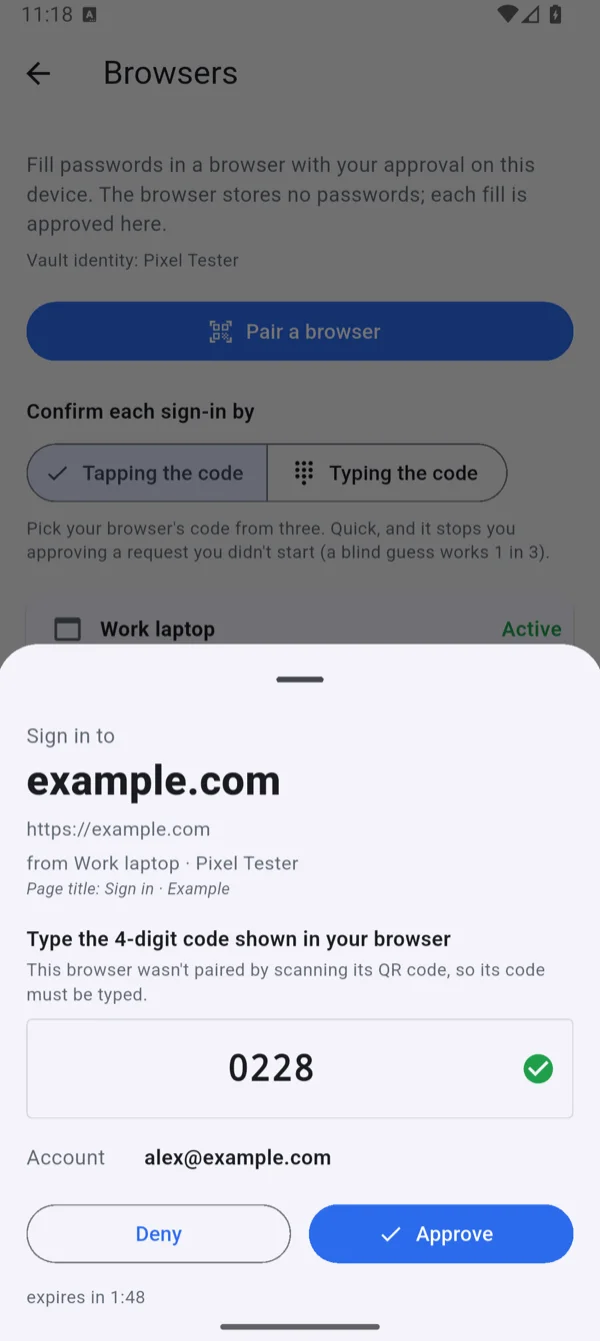
Your phone shows the site, which browser is asking, and a matching code.
Confirm the code, then approve with your face, fingerprint, or PIN. The login is sealed to that one tab and filled in.
The relay that carried it keeps nothing, and the request expires within minutes.
What you get
Every fill shows the same code in your browser and on your phone, so a stray request can’t sneak through.
Number matching defeats push fatigue: approval requires the code from the requesting tab.
Your phone is told which site is really asking, so a fake login page gets no password.
The browser, not page script, reports the origin; it’s matched against the saved login.
Make strong passwords, and bring yours from Bitwarden, 1Password, KeePass and more. Two-factor codes are next.
Import parses exports on the phone; nothing is uploaded. TOTP storage is planned.
Fills apps and websites on your phone through iPhone and Android AutoFill.
The app is an AutoFill provider on iOS and Android.
The same rule your browser follows applies to AI agents: permission to ask, never the secret.
See BetterSign API Delegate for scoped API access for agents.
Organizations will use it to cover apps that don’t support single sign-on, with secrets staff never see.
Org-managed secrets for password-only apps: Stage 3 of the organization plan.
What changes
Questions
Because most of the web still asks for one. The BetterSign app signs you in with no password wherever a site supports it. BetterSign Credential Vault covers everywhere else, using the same identity and the same approve-on-your-phone habit, so you get the benefit today without waiting for every site to catch up.
Yes. Export them from Bitwarden, 1Password, NordPass, Keeper, Dashlane, Proton Pass, KeePass or your browser, and import the file in the BetterSign app. The file is read on your phone and never uploaded. See the step-by-step guide.
No, by design. One device you choose, usually your phone, holds the vault. Your browsers and computers send it requests but never keep a copy. To move the vault to a new device, you export it and import it, and encrypted backups let you restore it.
Restore from your encrypted, passphrase-protected backup on a new device. The browsers you paired can’t do anything on their own, because they only ever had permission to ask.
BetterSign Credential Vault is included in the BetterSign app. Free.